
Gaming sessions
Inspect the timing, bets and recorded transactions of an individual player’s gaming sessions.
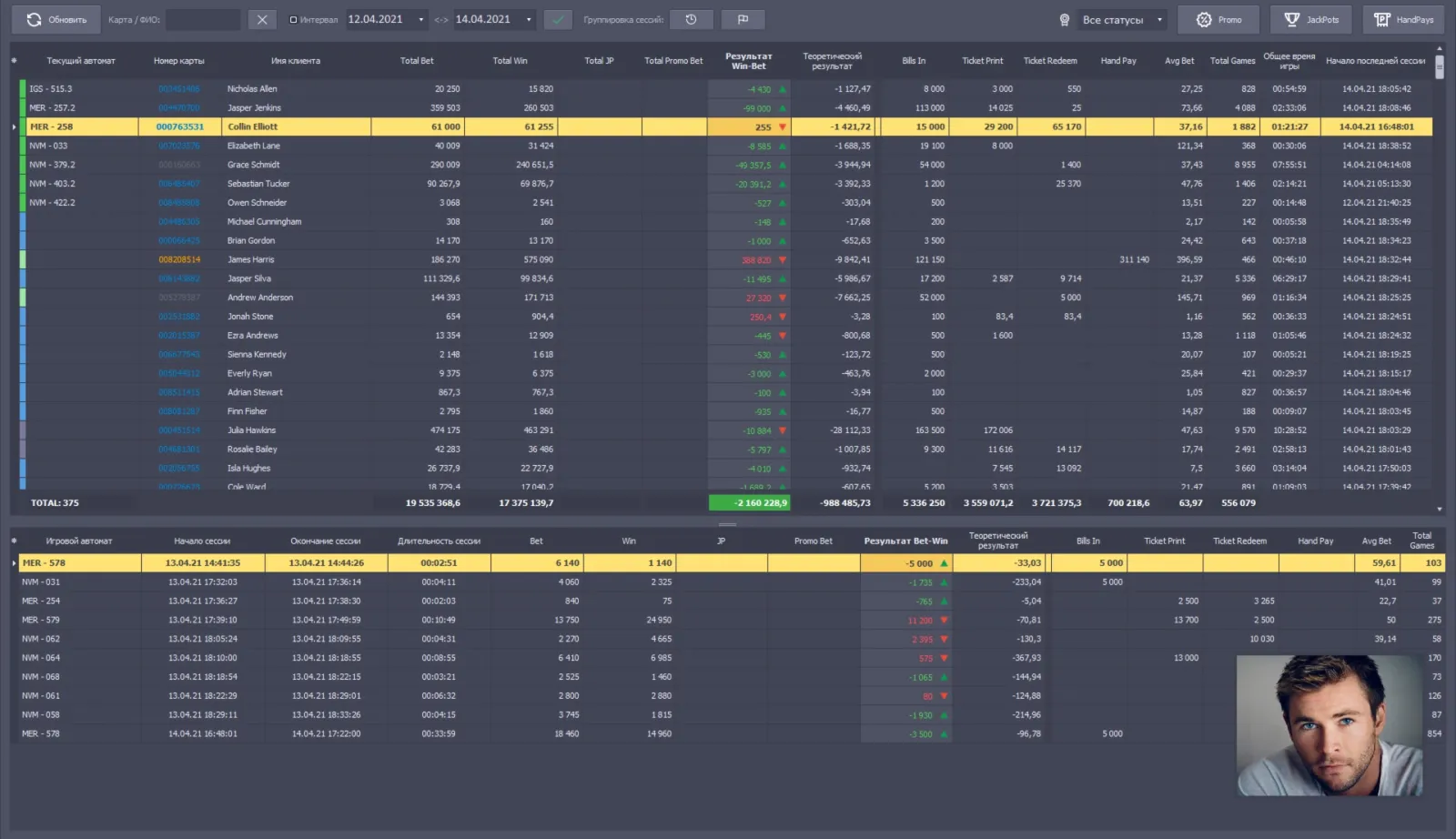
What this module does
Gaming Sessions is the detailed session view within the Player Tracking system. It presents a visitor’s play as sessions with start and end times and the operations recorded during each session.
Depending on the incoming table and slot data, a session can include Chips In / Out, Dropbox In, rolling, minimum, average and maximum bets, game pace and participation rate. The information is received automatically from the Table Inspector and slot-system modules described in the CMS material. Configured rules can use the collected activity to calculate player points.
- Session start and end times
- Chips In / Out, rolling and dropbox activity
- Minimum, average and maximum bets
- Game pace and participation rate
- Session data from connected table and slot workflows
How it fits into Everest
This view explains how a player’s activity was formed: source operations are recorded at the table or machine, passed to Player Tracking, then reviewed as a session and used by configured loyalty rules.